
What would you like to change?
You do not need to know the technical cause. Tell us where it happens and what you would like to be able to do instead.
What we would check
We check your apps and devices, a sensible screen position, power and how it will be updated and supported.
Specialist upgrades need exact equipment and suitability checks. They are not automatically included in a standard installation.
Your next step
Request an assessment without choosing equipment, sending photos or making a payment. We will contact you to agree how to help.
More detail: the questions behind this guide
For readers who want to understand the equipment and installation considerations.
wall mounted tablet for home assistant uk
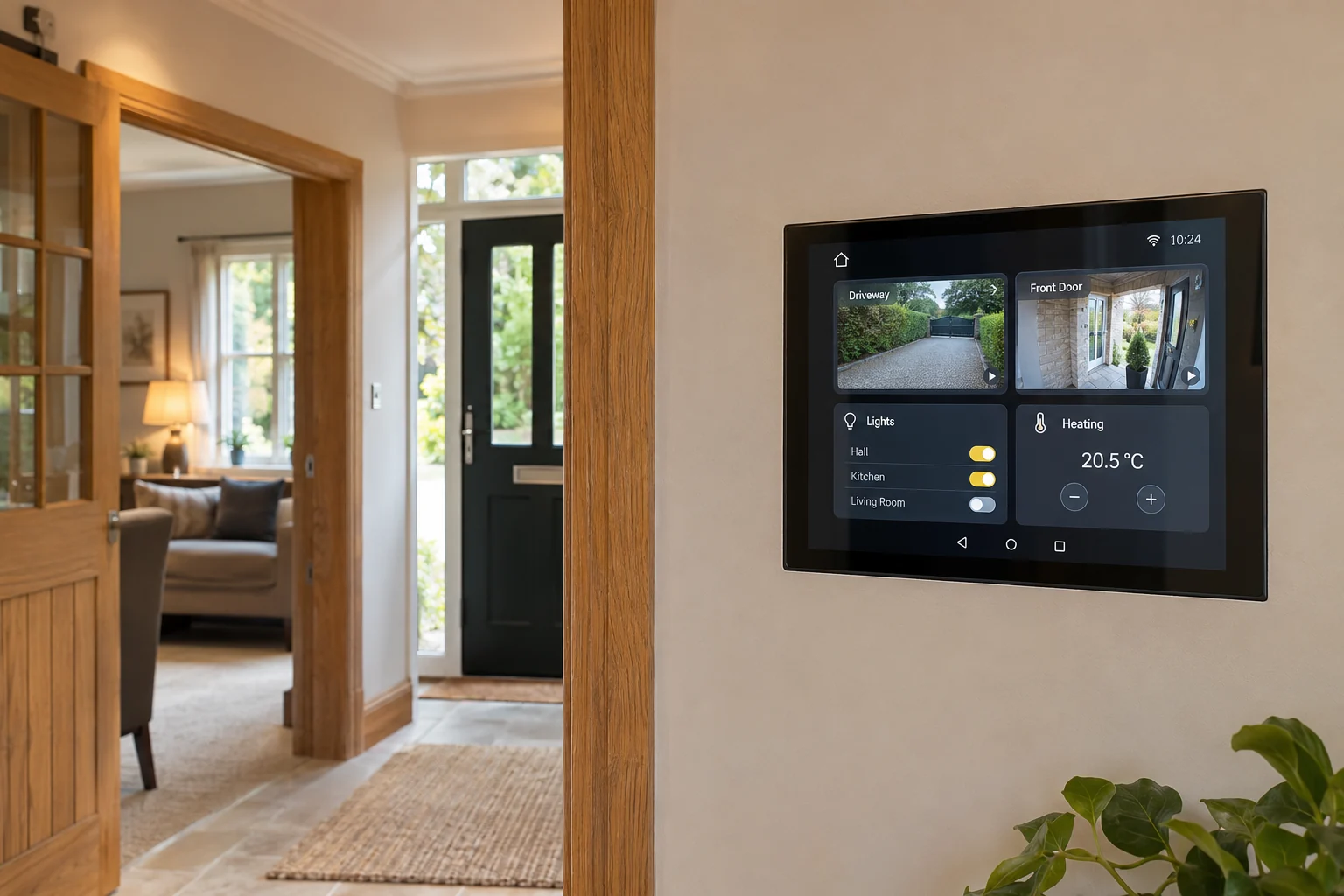
Dedicated 10-inch HD touchscreen mounted flush in hallway or kitchen. Use a compatible PoE splitter or native PoE tablet, a suitable mount and a hidden low-voltage route. Confirm power budget, service access, local dashboard permissions and fallback controls; camera pop-ups depend on tested device and automation integrations.
smart home touch panel installer aberdeen
Use a suitable concealed low-voltage route and compatible PoE conversion. Use a compatible PoE splitter or native PoE tablet, a suitable mount and a hidden low-voltage route. Confirm power budget, service access, local dashboard permissions and fallback controls; camera pop-ups depend on tested device and automation integrations.
wall screen for cctv and doorbell
Test supported dashboard notifications; timing depends on the intercom, tablet and integration. Use a compatible PoE splitter or native PoE tablet, a suitable mount and a hidden low-voltage route. Confirm power budget, service access, local dashboard permissions and fallback controls; camera pop-ups depend on tested device and automation integrations.
master goodnight button home automation
Create scenes only for compatible devices, preserving permissions, manual fallback and safety controls. Use a compatible PoE splitter or native PoE tablet, a suitable mount and a hidden low-voltage route. Confirm power budget, service access, local dashboard permissions and fallback controls; camera pop-ups depend on tested device and automation integrations.
Your questions, answered.
Can I have one wall screen for cameras and controls?
We check your apps and devices, a sensible screen position, power and how it will be updated and supported.
Do I need to know which equipment to buy?
No. Tell us what is not working or what you want to do. We check your connection, the property and the areas you need before recommending equipment.
Do I need photos to ask for a visit?
No. You can request an assessment without photos. If useful, we can ask for a couple of photos later. Never climb or move equipment to take one.
Will I have to pay before someone looks at the problem?
There is no payment to make an enquiry or for the initial local assessment. We confirm the visit with you, explain suitable options and provide a written quote before you agree to installation.