
What would you like to change?
You do not need to know the technical cause. Tell us where it happens and what you would like to be able to do instead.
What we would check
We check the broadband and the supported connection for your exact TV or Sky equipment, then assess where a cable would help.
We agree the useful areas and a sensible route with you before quoting the work.
Your next step
Request an assessment without choosing equipment, sending photos or making a payment. We will contact you to agree how to help.
More detail: the questions behind this guide
For readers who want to understand the equipment and installation considerations.
sky q mini box keeps losing connection
Where supported, configure TV equipment to use its tested Ethernet connection. A tested Ethernet backbone can remove the weak wireless hop between compatible TV devices. Confirm the model-specific network settings and switch topology; programme delivery, internet congestion and streaming-platform faults remain separate from the in-home link.
smart tv buffering 4k netflix
Test whether a weak local link contributes to buffering or sync problems before prescribing cabling. A tested Ethernet backbone can remove the weak wireless hop between compatible TV devices. Confirm the model-specific network settings and switch topology; programme delivery, internet congestion and streaming-platform faults remain separate from the in-home link.
hardwire sky q box ethernet
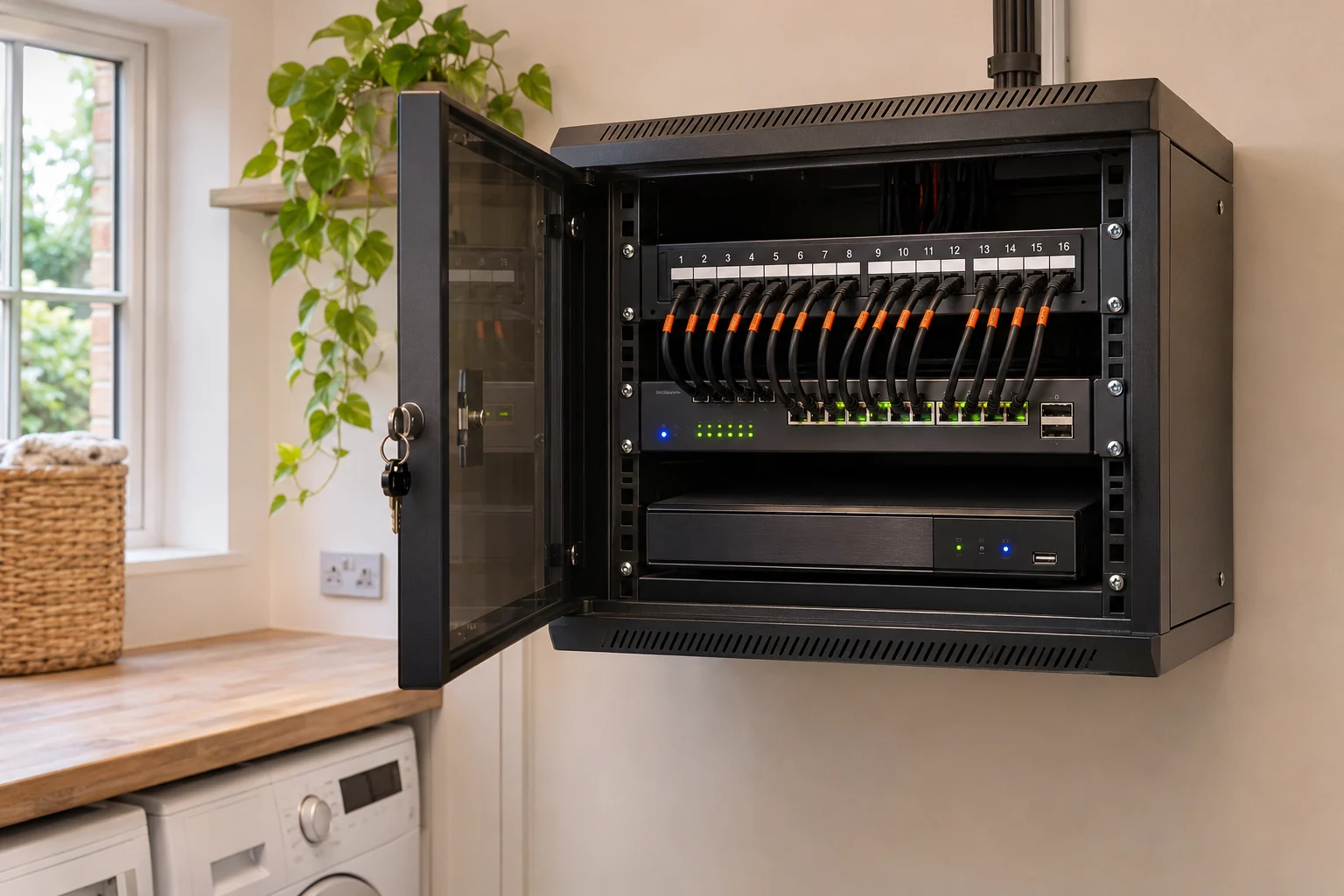
Connecting main boxes and mini boxes to a dedicated gigabit switch. A tested Ethernet backbone can remove the weak wireless hop between compatible TV devices. Confirm the model-specific network settings and switch topology; programme delivery, internet congestion and streaming-platform faults remain separate from the in-home link.
sky q wifi mesh dropping out
Test each agreed stream; source-service capacity and device behaviour still matter. A tested Ethernet backbone can remove the weak wireless hop between compatible TV devices. Confirm the model-specific network settings and switch topology; programme delivery, internet congestion and streaming-platform faults remain separate from the in-home link.
Your questions, answered.
Why do my Sky boxes and smart TV keep buffering?
We check the broadband and the supported connection for your exact TV or Sky equipment, then assess where a cable would help.
Do I need to know which equipment to buy?
No. Tell us what is not working or what you want to do. We check your connection, the property and the areas you need before recommending equipment.
Do I need photos to ask for a visit?
No. You can request an assessment without photos. If useful, we can ask for a couple of photos later. Never climb or move equipment to take one.
Will I have to pay before someone looks at the problem?
There is no payment to make an enquiry or for the initial local assessment. We confirm the visit with you, explain suitable options and provide a written quote before you agree to installation.